Samsung Electronics · 2014–2016
Tizen mobile design system
Architected the design system for Samsung's Tizen platforms across mobile, wearable, and TV: principles, component library, and interaction patterns, shipped on 10M+ devices and published publicly, enabling 10,000+ partner apps.
- Role
- Platform design system designer: OS design system, developer UX
- Team
- UI, visual, and motion design; India design center; design agency; software and hardware engineering; product planning; marketing
- Timeline
- 2014–2016
- Stack
- Tizen OS, public design guideline on the Tizen developer site
The problem
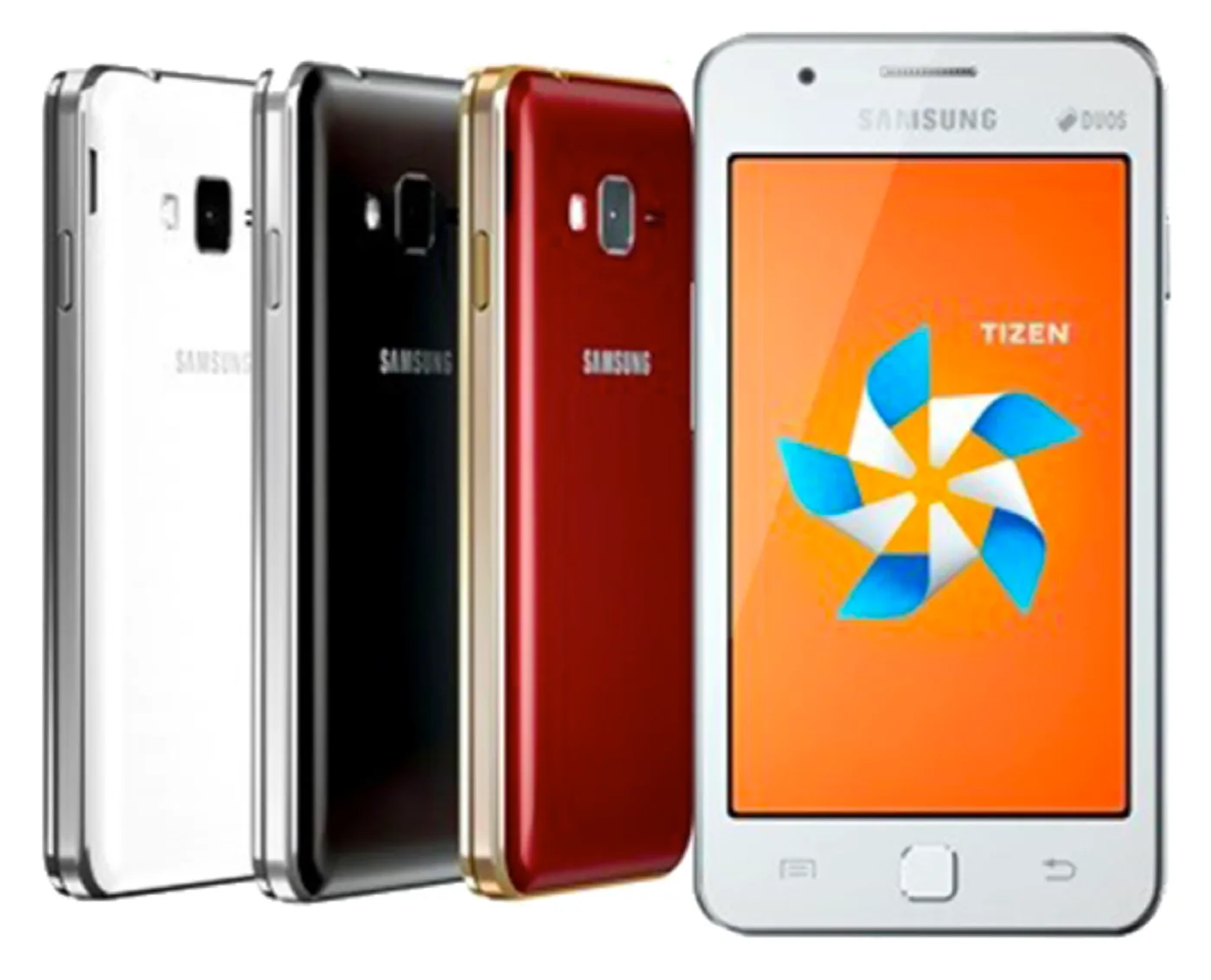
Samsung's Tizen phones targeted emerging markets: low-cost hardware, small screens, and users holding a smartphone for the first time. Research across our overseas design centers and agencies pointed to one cause of confusion above all others: inconsistent interaction and layout. Attaching a file worked differently in every app, and buttons followed no rules, so people couldn't tell what a control would do.
What I led
I set a bottom-up plan in four steps, with the hardware limits (performance, screen size) as constraints on every decision.
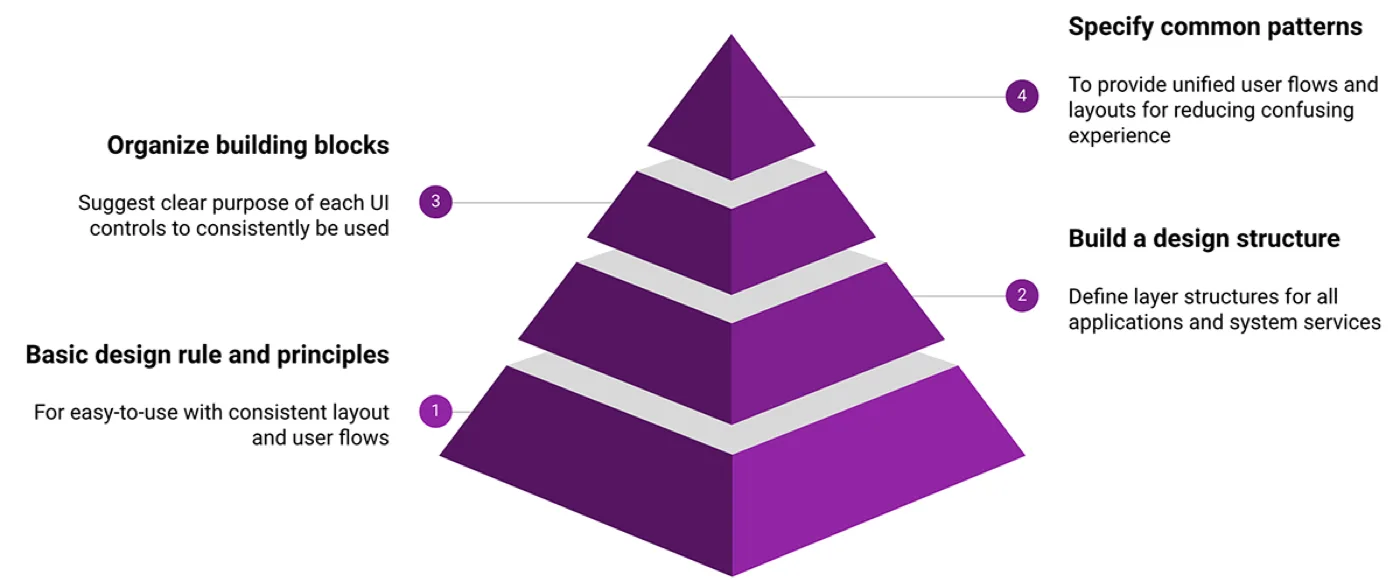
1. Principles. For first-time users, the principles were easy to use and keep it simple: prioritize information, remove anything that doesn't earn its place.
2. Categorize controls. UI controls had accumulated with no categorization, like a 1990s PC screen. We grouped every control by the user behavior it served.
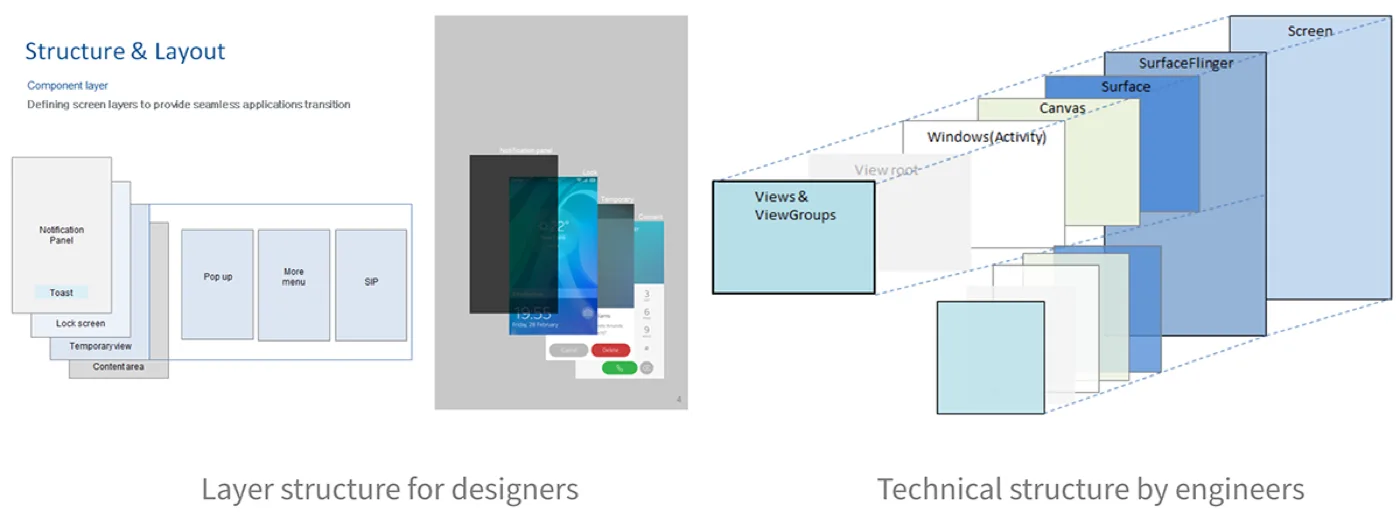
3. Structure. We defined the layer structure and layout so designers could reason about screens without needing the technical architecture underneath.
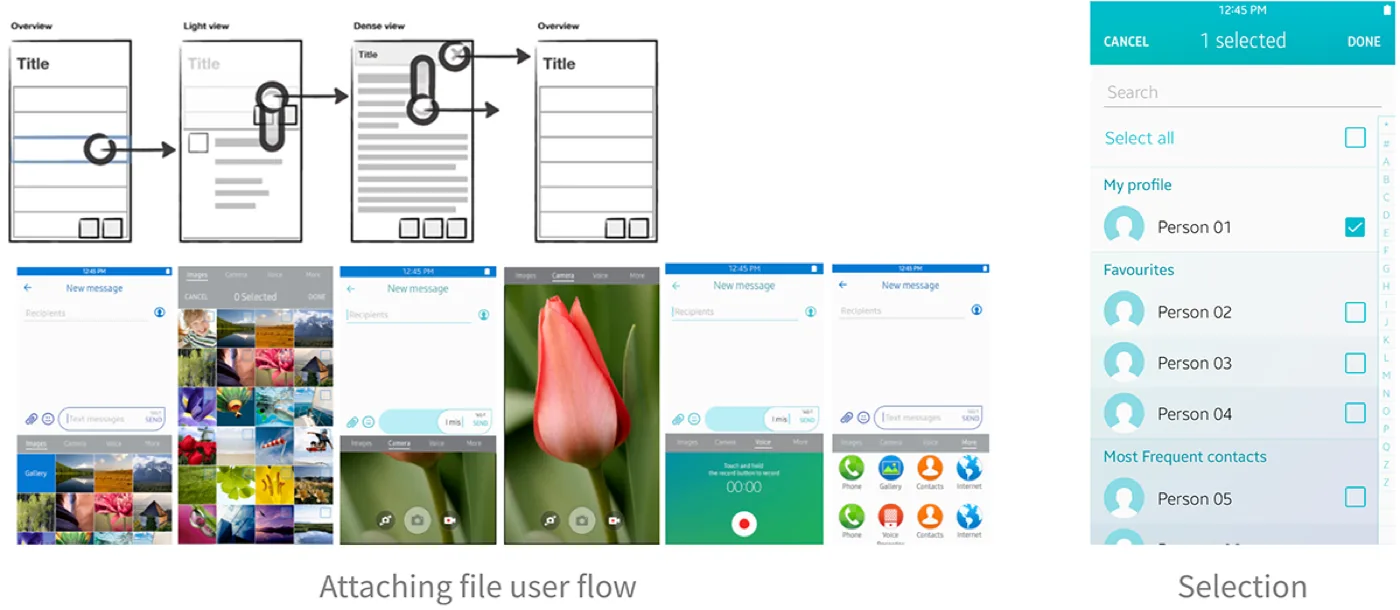
4. Patterns. Common flows such as attaching, navigating, and selecting were specified once and reused across every app. An accessibility focus policy covered external input devices and screen readers.
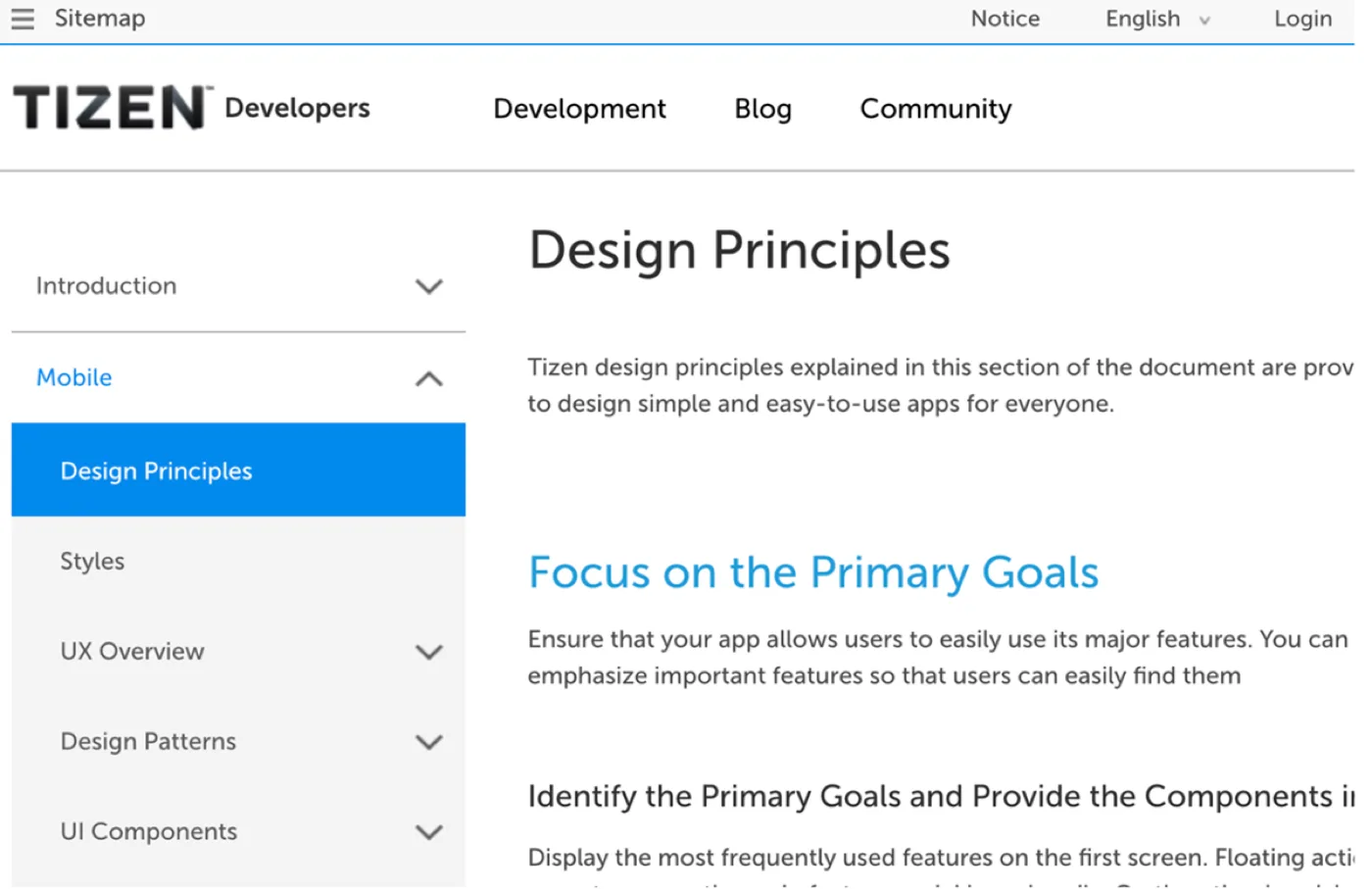
The whole system was published on the Tizen developer site for anyone building a Tizen app, and I reviewed application designs across teams to keep layouts unified as they adopted it.
Results
What I took from it
A design system is a communication tool before it is a component library. The hardest part was not drawing components but getting dozens of teams to adopt the same rules, which took constant review and follow-up. I still write design directions the same way: principles first, with a checklist a screen has to pass.