DNNR Tech · 2025–present
What to Eat
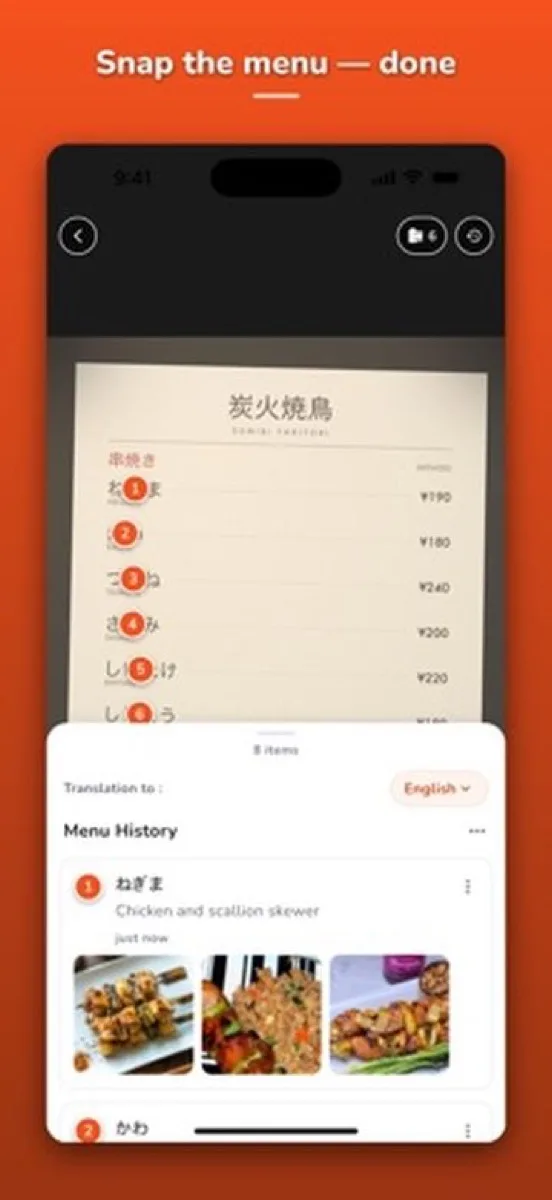
Point your camera at a menu in any language and a multimodal model identifies every dish and shows you what it is. Shipped to both stores with cost and failure cases designed in from day one.
- Role
- Founder: product, design, iOS/Android, backend, AI pipeline
- Team
- Solo
- Timeline
- 2025–present
- Stack
- Flutter, Gemini vision-language models, Cloud Functions, image search, Firebase
The problem
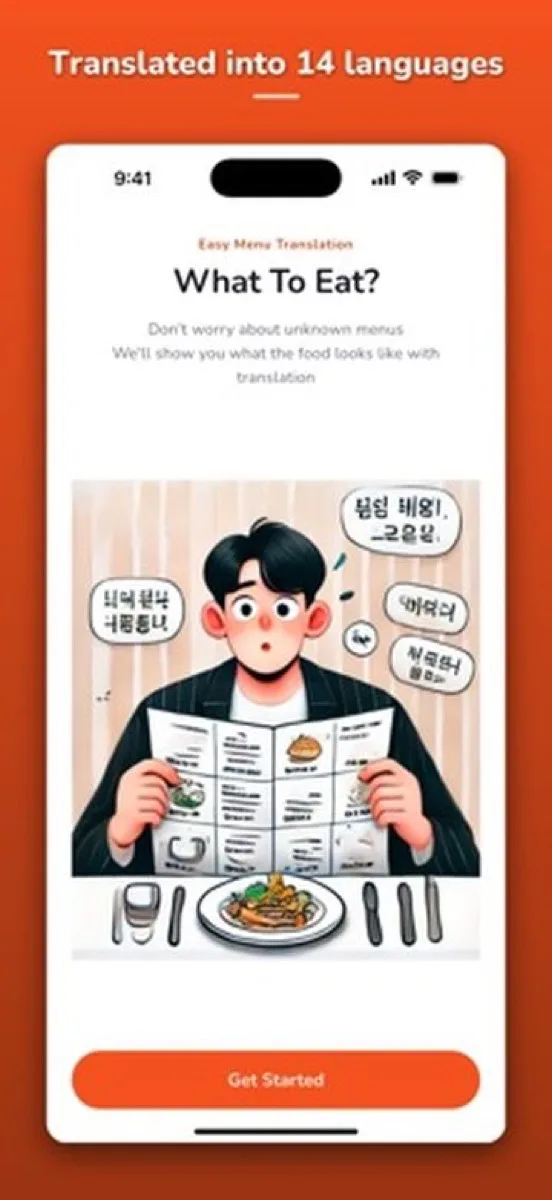
Travelers and immigrants face a menu they can't read, and translation apps give them words, not food. "Braised pork belly in fermented bean sauce" is still a guess. People want to see the dish and know whether they will like it, in the time it takes a server to come back.
What I built
What to Eat takes a photo of a menu, sends it to a vision-language model, and returns every dish with a plain-language description and a real photo, in the user's language. A sister app, Snap & Shake, uses the same pipeline on bottles and ingredients to generate cocktail recipes from what you have.
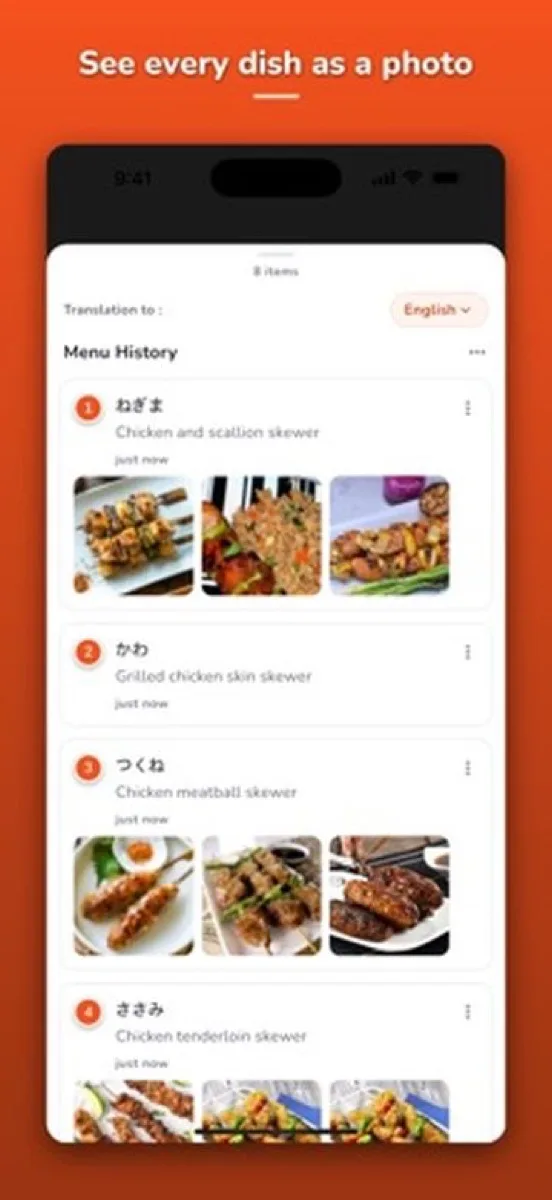
Three decisions that mattered
1. Design the AI for cost before it has users. A multimodal call per scan is the whole cost structure of the product. I set a per-scan credit model, picked the lightest model tier that handled real menu photos well (Gemini Flash-Lite for the scan, Flash only where quality matters more), and built the prompt so the model returns structured dish entries instead of free text. The result is a feature that costs cents per active user, which is what makes a free tier possible.
2. Plan the failure cases. Blurry photos, handwritten specials, and menus with no prices all happen daily. The scanner shows partial results with a clear "couldn't read this part" state rather than failing the whole scan, and the user can rescan a region. Nothing in the app pretends the model is certain when it isn't.
3. One screen for credits, no scrolling. The first paywall was a 1,874-point scroll of options. I rebuilt it as one screen (623 points): remaining credits, watch an ad for one more, buy a pack, or subscribe, in that order. The ordering came from watching which option people actually chose when the free scans ran out.
Results
- Live on the App Store and Google Play, with users concentrated in China, the United States, and Korea, which matches the "menu I can't read" use case.
- The multimodal pipeline, prompt structure, and credit screen were reused in Snap & Shake and became the basis for an AI integration advisory offering at DNNR Tech.
- The model tier is a deliberate, revisited choice: when a cheaper model reads the same menus as well, it replaces the current one. Cost per scan is a product metric here, not an engineering detail.